YouTube Comment Analyzer
A YouTube comment analyzer saves you the weekly scroll: opening YouTube Studio, reading comments video by video and trying to remember what kept coming up. Actionbook reads the comments on your recent videos and sorts them into topics, questions, complaints and requests.

Built for
- Founders and marketers who run a company YouTube channel
- Creators deciding what to make next from what viewers ask
- Agencies reporting on a client channel’s comments each week
Key insights
- What the comments are about, ranked, with the mood of each topic
- The questions viewers ask most, and on which videos
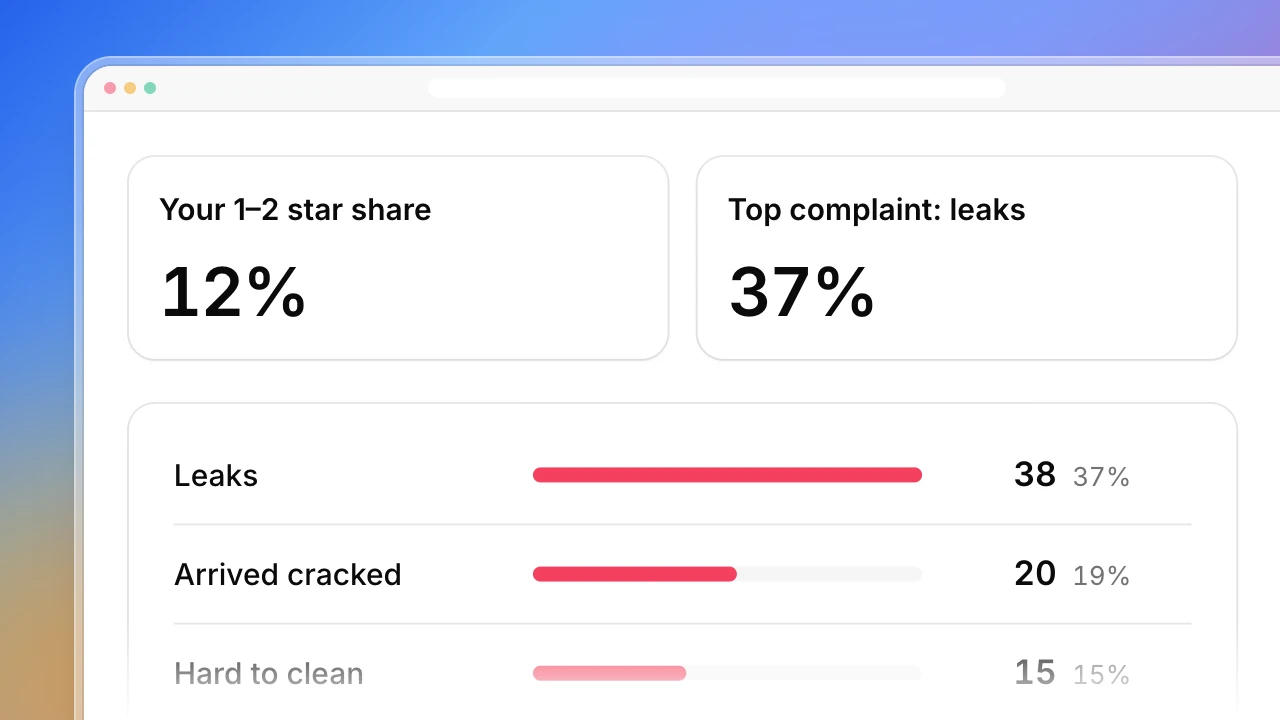
- Complaints and requests, each with a count and an example
- Unanswered questions and complaints, most-liked first
- Three ideas for next videos
What is the YouTube comment analyzer?
A YouTube comment analyzer reads the comments on your videos and turns them into something you can act on: what viewers ask, what bothers them and what they want next. Actionbook reads the public comments on your 12 most recent videos from the last 7 days and sorts each one by topic and mood. This YouTube comment analysis covers the whole channel in one run, not one video at a time. It also lists the unanswered questions and complaints with the most likes.
How to analyze YouTube comments
A weekly read of your comments takes five steps. The dashboard above follows them.
1. Pick the videos and the window
Your most recent videos and the last 7 days is enough to see what is new. Compare with the 7 days before.
2. Read every comment once
Give each comment one topic and one mood: positive, neutral or negative.
3. Group the questions
The same question comes in many wordings. Group them by meaning and count how often each was asked.
4. Split complaints from requests
A complaint is about something you made. A request is for something you haven’t made yet.
5. Reply and plan
Answer the most-liked open questions first, then turn the repeated questions and requests into video ideas.
Who the YouTube comment analyzer is for
Founders and marketers with a company channel
The comment section is where customers tell you what confuses them, and nobody reads all of it.
- The questions asked most, grouped
- Complaints with counts and examples
- What changed since last week
Creators
You read comments every day but can’t say which three topics came up most this week.
- Topics ranked, with the mood of each
- Requests for future videos
- Three video ideas from what viewers asked
Small agencies running client channels
Each client wants to know what their audience is saying, in one page.
- One run per channel
- Every video on one row
- Open comments worth a reply, most-liked first
How the YouTube comment analyzer works
Step 1: Click Build with Actionbook and paste your channel link
The last 7 days on your 12 most recent videos by default. Ask for another window instead.
Step 2: Let it read the public pages
Actionbook reads the comments on each video’s public page, read-only. It never posts, replies, likes or hides a comment.
Step 3: Run it again each week
Each run reads the new week and compares it with the one before, in the same nine sections.
YouTube comment analyzer FAQ
What is a YouTube comment analyzer?
A tool that reads the comments on YouTube videos and summarizes them: the topics, the mood, the questions and the complaints. It replaces scrolling the comment section and trying to remember what came up.
What does the YouTube comment analysis cover?
Every comment left in the window on your most recent videos. Each one gets a topic and a mood. The dashboard then groups repeated questions, splits complaints from requests, and shows each video on its own row.
Does it work on one video or the whole channel?
The whole channel. It reads your most recent videos in one run and shows them together and one by one. You can also ask for a single video.
How are topics and mood decided?
Actionbook reads each comment and gives it the one topic it is mostly about, and a mood of positive, neutral or negative. A plain question is neutral. The topics section is labeled “Our read”.
Does it show who wrote each comment?
No. The dashboard shows what was said, never commenter names or handles.
Can it read comments on Instagram or TikTok?
The example covers YouTube. Ask for the comments on your own Instagram or TikTok posts in the chat and it reads those the same way.
How is this different from the YouTube Channel Analyzer and social listening playbooks?
YouTube Channel Analyzer shows which videos outperform, from public video stats. Competitor Social Listening reads what people say about you and your rivals on Reddit and X. This one reads the comment section on your own videos.
Will it reply to comments for me?
No. It only reads. It lists the comments worth a reply, and you answer them yourself.