Similar YouTube Channel Finder
Paste the link to a YouTube channel that already works for you. Actionbook reads what it publishes, searches YouTube for creators covering the same topics, and returns a shortlist ranked by similarity, with the reason and a source video for each.

Built for
- Partnership managers who need more creators like one who performed
- Founders who know one channel their buyers watch
- Creators looking for channels like their own to study or collab with
Key insights
- The seed channel’s topics, format and size as the bar for comparison
- The closest matches with the video and topics they share with the seed
- Similarity split into topics, format and size for each channel
- Every candidate with subscribers, average views, engagement and email
What is the similar YouTube channel finder?
A similar YouTube channel finder takes one channel and returns other channels that make the same kind of videos for the same kind of viewers. Actionbook reads the seed channel’s last 90 days of videos, searches YouTube for its topics and ranks the channels it finds by shared topics, format and size. Brands use it to find similar YouTube channels to a creator who already performed. Creators use it to see which similar YouTube channels they compete with. Every match carries a reason and a source video.
How to find similar YouTube channels
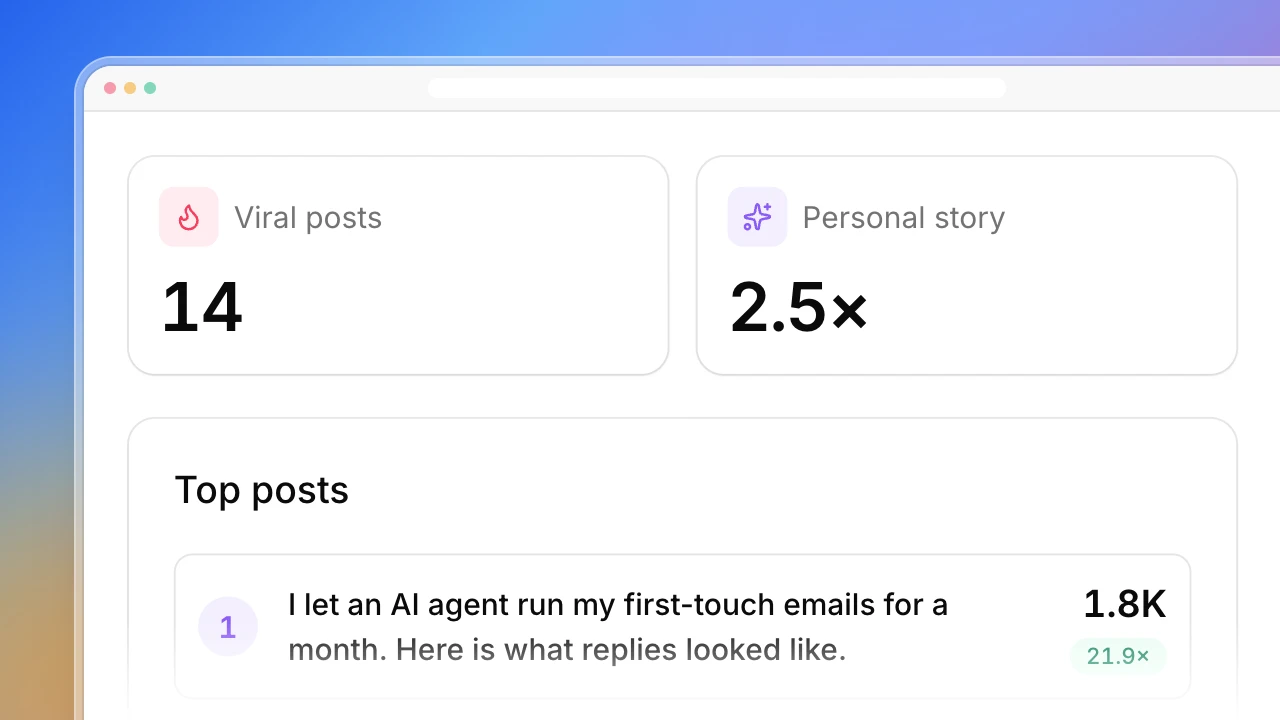
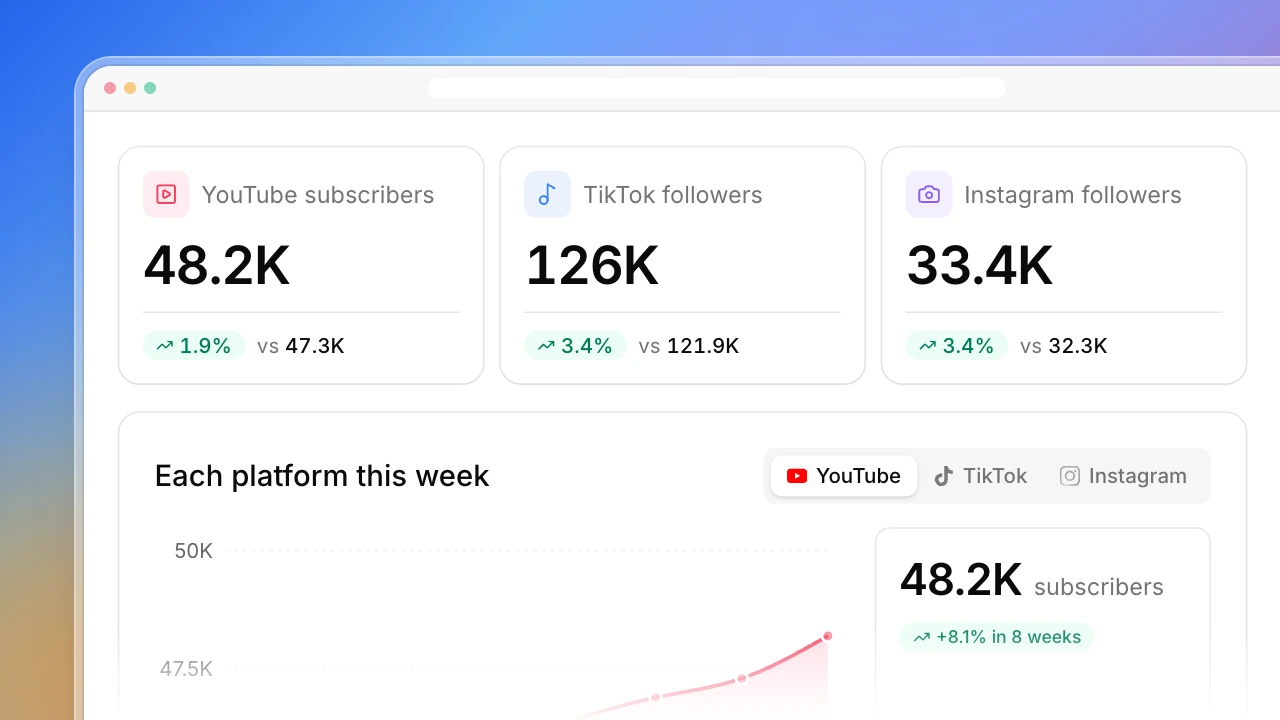
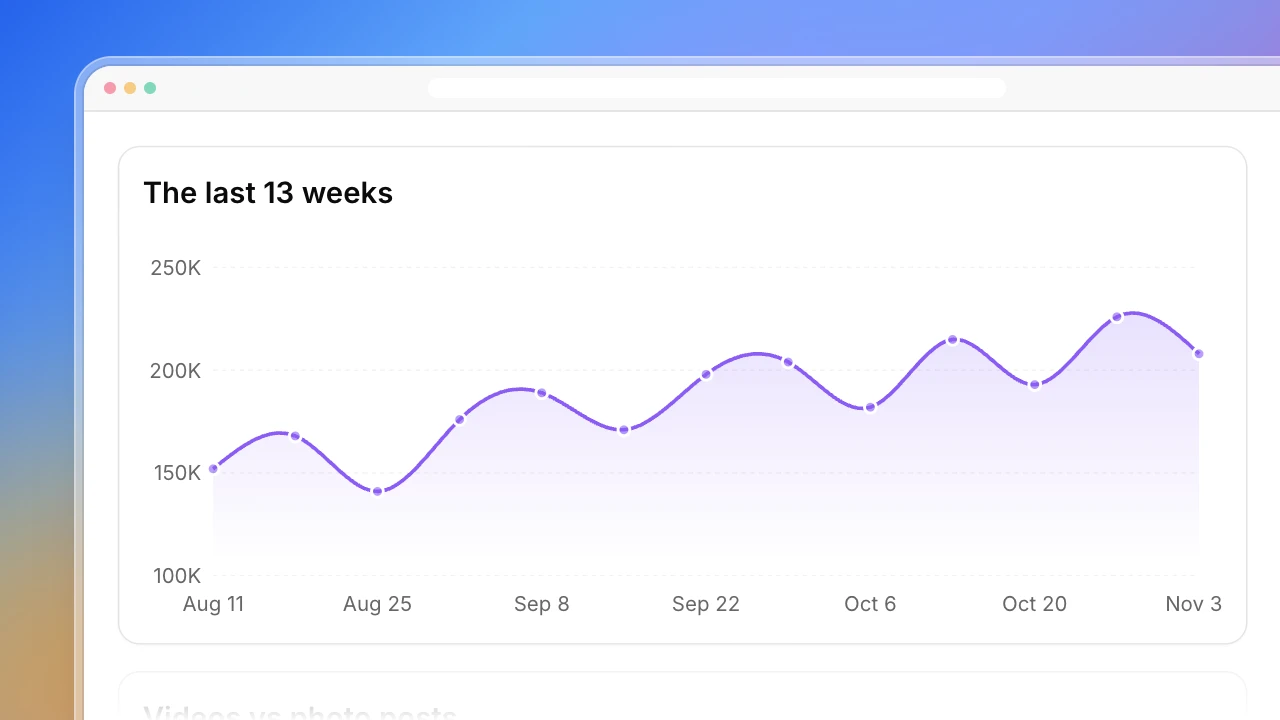
Finding channels like one you already know takes five steps. The dashboard above follows them.
1. Start from a channel that already works
Pick a creator whose sponsored video paid off, or the channel your buyers keep mentioning. One good seed beats a vague category.
2. Describe it by topics and format
“Tech” is too wide to search. “Budget laptop reviews, 10 to 15 minutes, to camera” is something you can look for.
3. Search those topics and collect the channels
Search YouTube for each topic and note the channels behind the results. The ones that appear for several of the seed’s topics are the closest.
4. Filter by size and language
A channel ten times bigger is a different deal at a different price. Set a subscriber or view range around the seed.
5. Write down why each one matches
One line and a link to a video. Without the reason, a shortlist is only a list of names.
Who the similar YouTube channel finder is for
Partnership managers
One creator worked and you need ten more like them for the next round.
- Creators ranked by similarity to the seed
- Subscribers and views in the same range
- A reason and a source video for each
Founders running their own sponsorships
You know one channel your buyers watch and little else about the space.
- The channels around the one you know
- Average views next to subscribers
- Emails where channels list them
Creators and channel managers
You want to know who else makes videos like yours.
- Channels covering your topics
- How their size and views compare
- Collab candidates near your size
How the similar YouTube channel finder works
Step 1: Click Build with Actionbook and paste a channel link
Add the language, region and a size range if you want one, and how many channels to return.
Step 2: Let it read YouTube
Actionbook reads the seed channel and searches its topics in your browser. It only reads: it doesn’t subscribe, comment or message anyone.
Step 3: Review the shortlist
Start with the closest matches, check the source video behind each, then work down the table.
Similar YouTube channel finder FAQ
What is a similar YouTube channel finder?
A tool that takes one YouTube channel and finds others like it. This one compares what channels publish: topics, format, language and size, and gives a reason for every match.
How do I find similar YouTube channels to one I like?
Paste its link. The dashboard reads its recent videos, searches YouTube for the same topics and ranks the channels it finds by how closely they match.
What makes two YouTube channels similar here?
Shared topics count most, up to 60 points out of 100. Video format and length add up to 20, and size up to 20. It doesn’t see audience overlap, which only YouTube knows.
Can I filter by subscribers or views?
Yes. Set a subscriber or average-view range in the prompt. By default it keeps channels from a quarter to four times the seed’s size.
Does it find contact emails?
It records an email only when the channel writes one in its description. Channels without one are marked Not listed. It doesn’t guess addresses.
Does it write or send outreach messages?
No. It builds the list and stops. Writing to creators is up to you.
How is this different from the YouTuber Finder?
This one starts from a channel you already know and expands from it. The YouTuber Finder starts from a product or topic when you have no channel in mind yet.
How is it different from the YouTube Channel Analyzer?
The analyzer studies one channel’s videos in depth. This finder looks outward for other channels like it.