Survey Theme Ticket Check
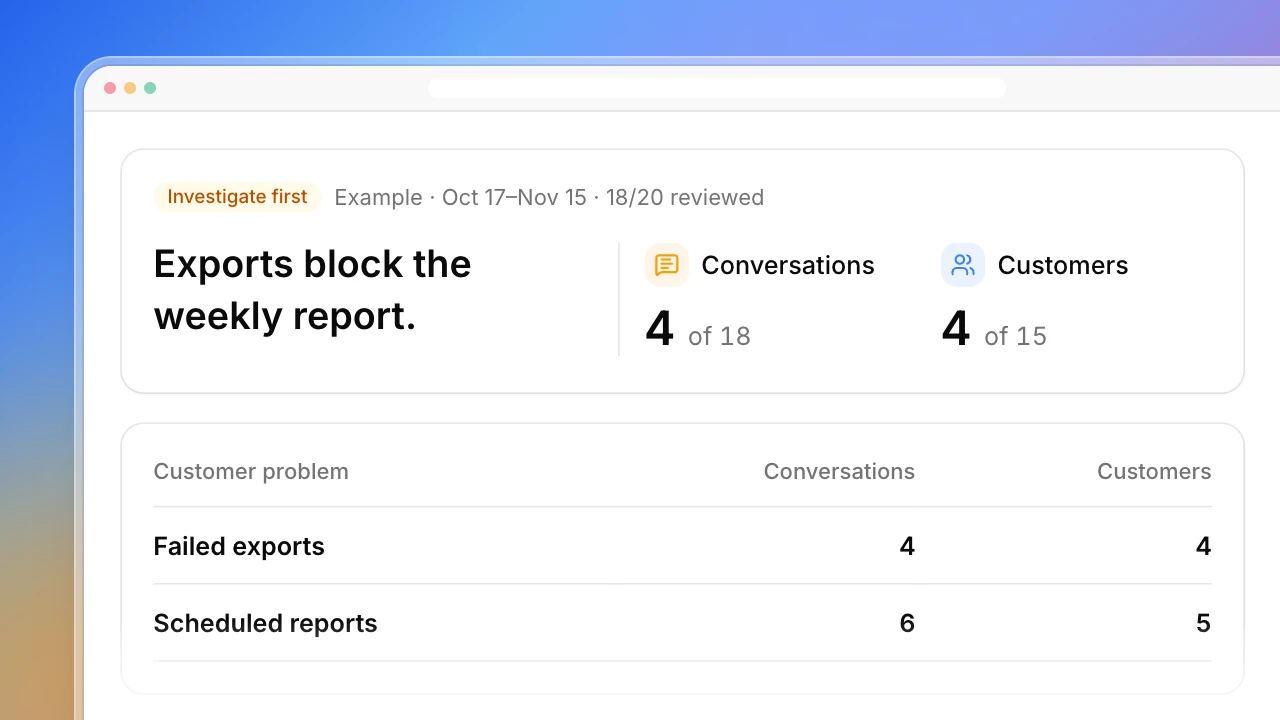
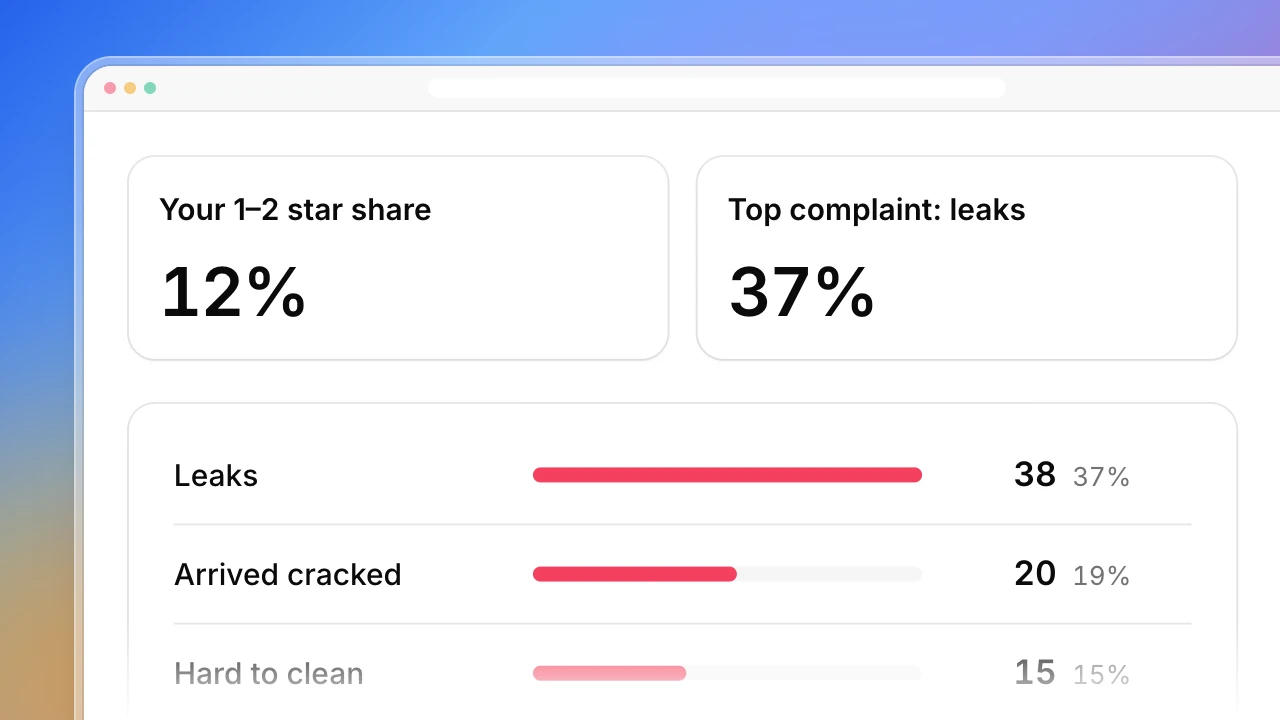
Three low-score responses describe the mobile dashboard freezing on load. No issue in the checked Linear team covers it. The large CSV export timeouts already match an open issue.


Built for
- Product teams triaging recurring feedback
Key insights
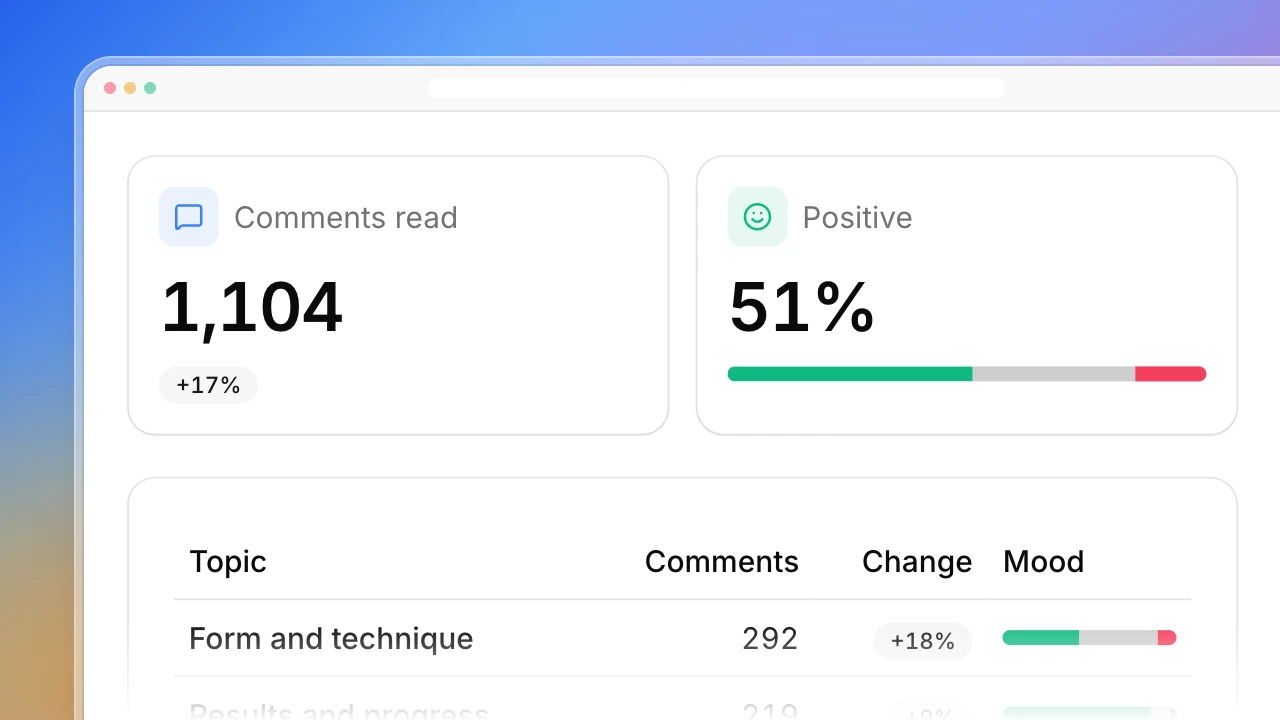
- Read responses in one time window
- Group specific symptoms
- Cross-check Linear
What is the survey theme ticket check?
Group low-score Intercom CSAT and NPS comments by symptom, then check which recurring complaints already have an open Linear issue.
How to use the survey theme ticket check
Get a filing candidate and the existing ticket references before opening issues.
1. Read responses in one time window
Use the verified response date. Filter CSAT and NPS using separate thresholds.
2. Group specific symptoms
Count each response once by its source ID. Keep ratings without a usable comment visible.
3. Cross-check Linear
Search the named team using symptom terms and labels. Read the issue to verify the symptom and context before proposing a ticket.
Who the survey theme ticket check is for
Product teams triaging recurring feedback
Get a filing candidate and the existing ticket references before opening issues.
- Search the named team using symptom terms and labels. Read the issue to verify the symptom and context before proposing a ticket.
Survey theme ticket check FAQ
What does the count represent?
Distinct response records in the chosen period. A person may leave more than one response.
What if the search is incomplete?
Mark the match pending and record what remains to check. File candidates require a completed search in the named scope.