Customer Feedback Analysis
Turn customer conversations into a clear list of product problems to review. See who is affected and trace each finding back to the customer’s words.
Built for
- Product managers reviewing recurring customer problems
- Founders deciding which customer problems to investigate
- Support leads bringing customer evidence to a product meeting
Key insights
- Recurring product problems, ranked by reported impact
- Conversations and affected customers counted separately
- Customer quotes with source conversation references
- Suggested investigations and gaps in the evidence

What is the customer feedback analysis report?
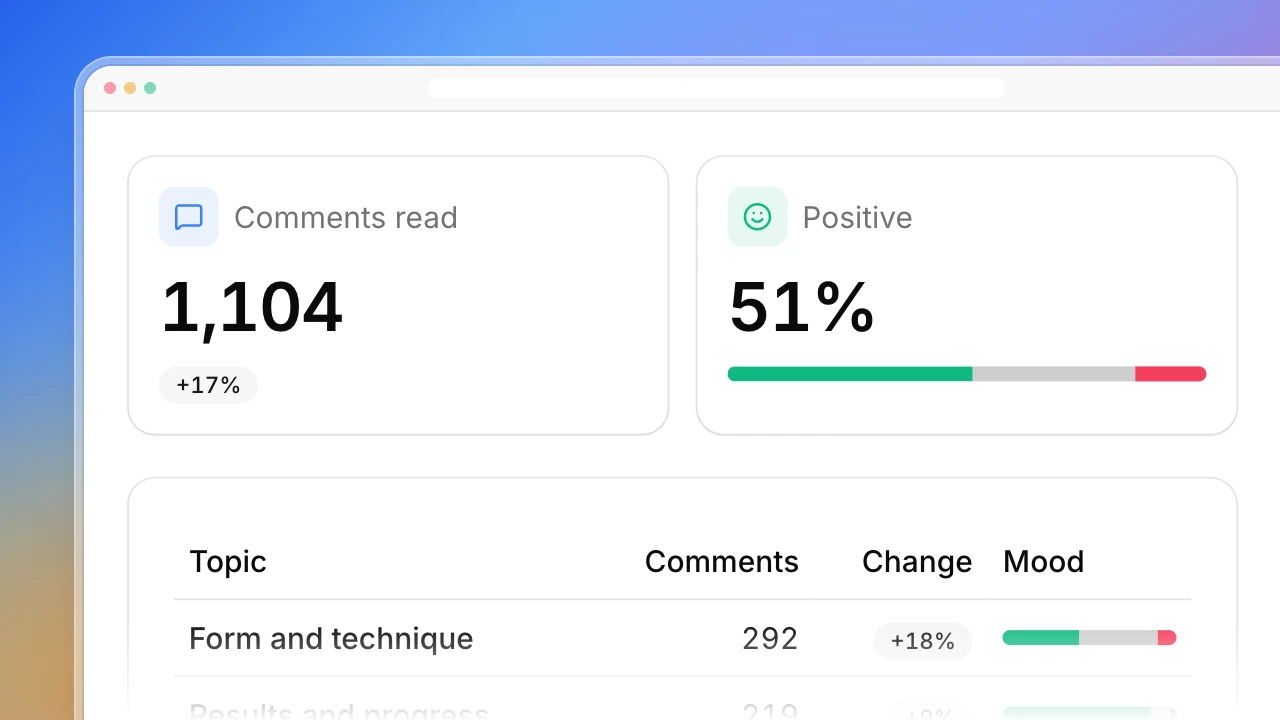
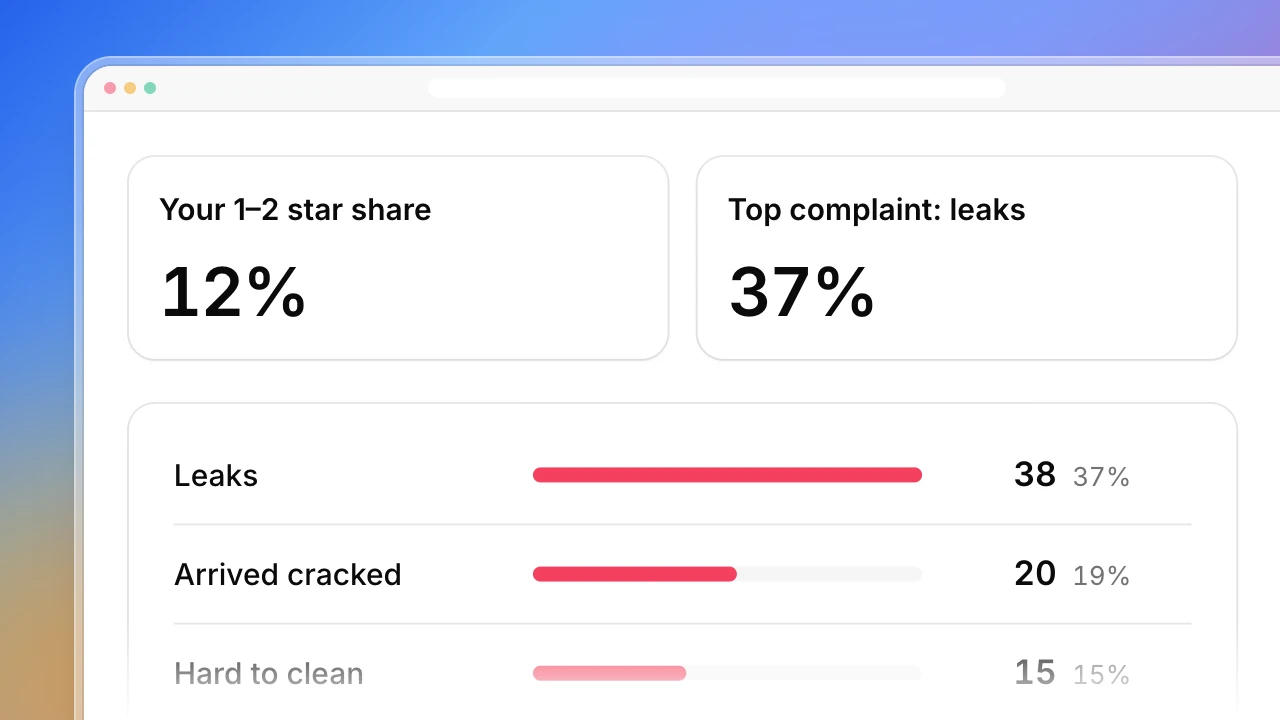
Use Actionbook as a customer feedback analysis tool to turn support conversations into recurring problems and evidence for product decisions. Actionbook reads the conversations in your support inbox and groups requests and complaints by the customer’s goal. This voice of customer analysis counts conversations and affected customers separately, so one person writing in twice does not look like two. The customer feedback report ranks each problem by reported impact and keeps the original quotes beside it.
How to analyze customer feedback for a product review
Start with the decision your team needs to make, then check it against the original conversations.
1. Choose the period and scope
Pick a recent period, such as the last 30 days. Include open, closed and snoozed conversations, because a closed conversation can still describe an unfixed problem.
2. Read the whole thread
A customer’s first message rarely tells the full story. Later replies often show the workaround or what the problem cost them. Quote only what the customer wrote, not a teammate’s note or an AI summary.
3. Group by problem and count people separately
Several requests can serve the same goal. Count a conversation once per problem, then count distinct customers, so repeat messages from one person stand out.
4. Rank by impact, then frequency
A blocked delivery matters more than a popular convenience request. Note what each customer could not do and whether they found a workaround. If the outcome is unclear, mark Impact unconfirmed and identify what to ask next. Take the quotes and open questions to the review.
Who the customer feedback analysis report is for
Product managers
You are preparing a product review and want to turn recurring customer conversations into evidence for planning.
- Problems grouped by the customer’s goal
- Reported impact ranked ahead of frequency
- Original conversations your team can revisit
Founders
You follow customer conversations and need to see which problems recur across people.
- Customers counted separately from conversations
- A reasoned investigation order
- A focused review of recent feedback
Support leads
You bring customer feedback to a product meeting and want the customer’s context to survive the handoff.
- Complaints and requests in one review
- Conversation references beside the original words
- Unread conversations and evidence gaps kept visible
How the customer feedback analysis report works
Step 1: Click Build with Actionbook and name your inbox
Sign in to your support platform. Give Actionbook the workspace or view link, the period and your product question. The example uses Intercom. You can name another platform.
Step 2: Actionbook reads the conversations
It opens each conversation in the period, reads the thread and groups related feedback. The report shows how many it reviewed and lists any it could not fully read.
Step 3: Take the evidence to your product meeting
Each problem comes with its impact level, conversation and customer counts, original quotes and a suggested next step. Run it again for another period when you need a fresh read.
Customer feedback analysis report FAQ
Can I use a platform other than Intercom?
Yes. Intercom is the example. Name the platform you use and give its workspace or view link. The report keeps the same structure and counting rules, and adapts to the pages and fields in your account.
Do I need to export a CSV or label the feedback first?
No. Actionbook reads the conversations in your signed-in inbox and groups them itself. An export is often not enough anyway: Intercom’s reporting CSV, for example, leaves out the message text.
Which conversations does the report cover?
By default, conversations started in the last 30 days, in every status. You can narrow it to a team or view. The first review reads up to 100 conversations. If more match, the report says it is a sample and shows how many were reviewed. It also records the date basis, time zone and filters.
How are repeated messages and customers counted?
Several messages in one conversation count once per problem. A conversation can cover more than one problem. Distinct customers are counted only when the platform shows a consistent contact identifier.
How is this different from the topic reports in my support platform?
Tools such as Intercom’s Topics Explorer group conversations into topics to show what drives volume. This report is organized for a product review: what the customer was trying to do, what it cost them, their own words and what to investigate next.
Does a closed conversation mean the problem was solved?
No. Closed is an inbox status. The report reads what the messages say about the problem, including any workaround. Conversations that could not be opened or fully loaded are listed and left out of the counts.
Will it reply to customers or change my inbox?
No. It reads conversations and builds a report. It does not send replies, add notes, assign, tag, close or reopen conversations, or create tickets. It also does not calculate NPS or CSAT. Those need survey scores, not conversation text.