YouTuber Finder
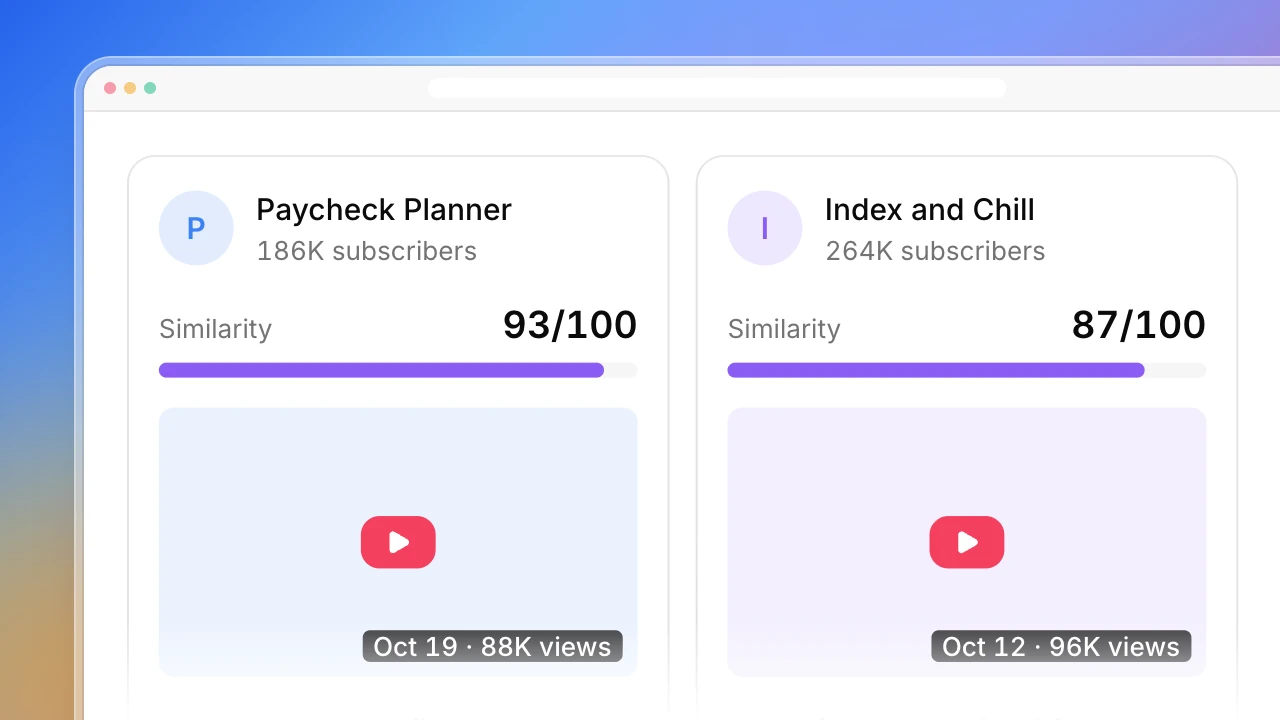
Paste your product link and say who it is for. Actionbook searches YouTube in your browser for the videos those people watch, merges them into channels and ranks the creators by how closely their recent videos match, each with the video that shows why.

Built for
- Founders testing YouTube sponsorships for the first time
- Partnership managers building a creator list for each campaign
- Agencies backing every creator they pitch with a video
Key insights
- The closest-matching creators and the video that shows each fit
- Subscribers against typical recent views for every channel
- Search terms used and how many channels each one found
- Every candidate with match score, email and what to verify
What is the YouTuber finder?
A YouTuber finder is a tool that turns a product or a topic into a list of YouTube creators worth contacting. Actionbook turns your product and its audience into search terms, searches YouTube for videos from the last 90 days and merges them into channels, each with the video that shows the fit. It works as a YouTube channel finder for a niche, since it searches by what channels cover and not by their name. It is also a quick way to find YouTube influencers for a sponsorship without buying a database.
How to find YouTube influencers for your brand
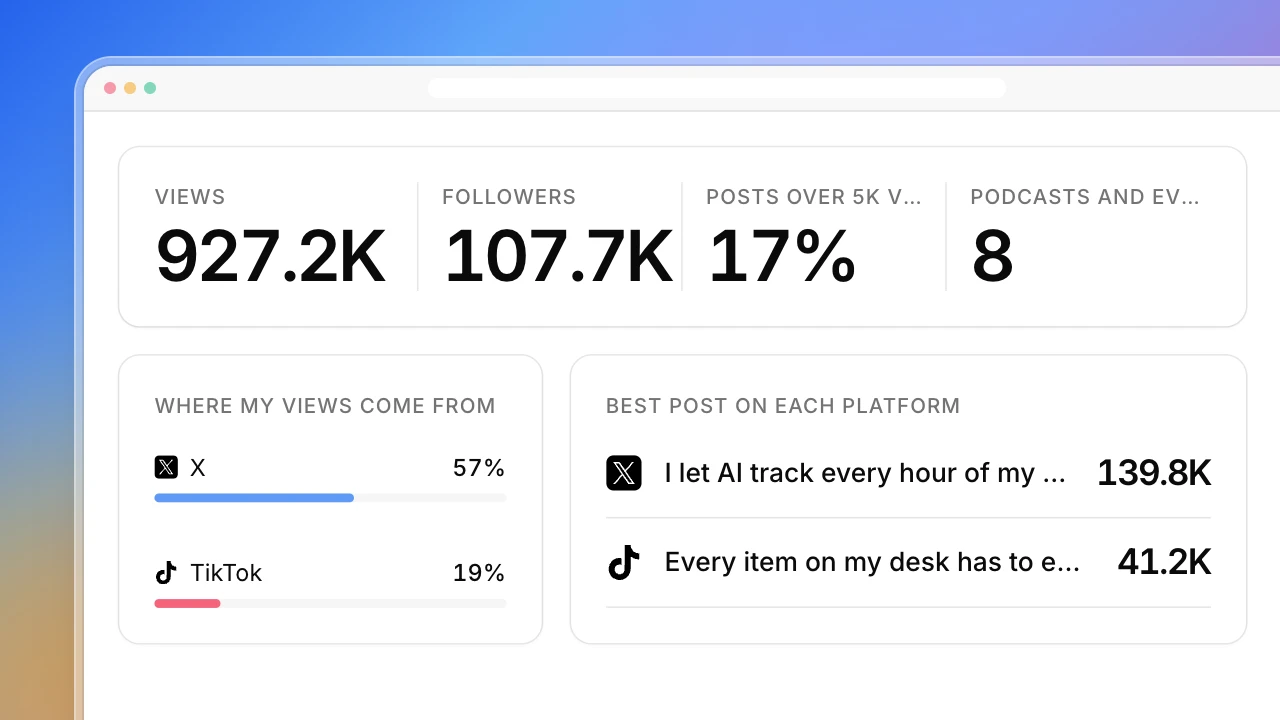
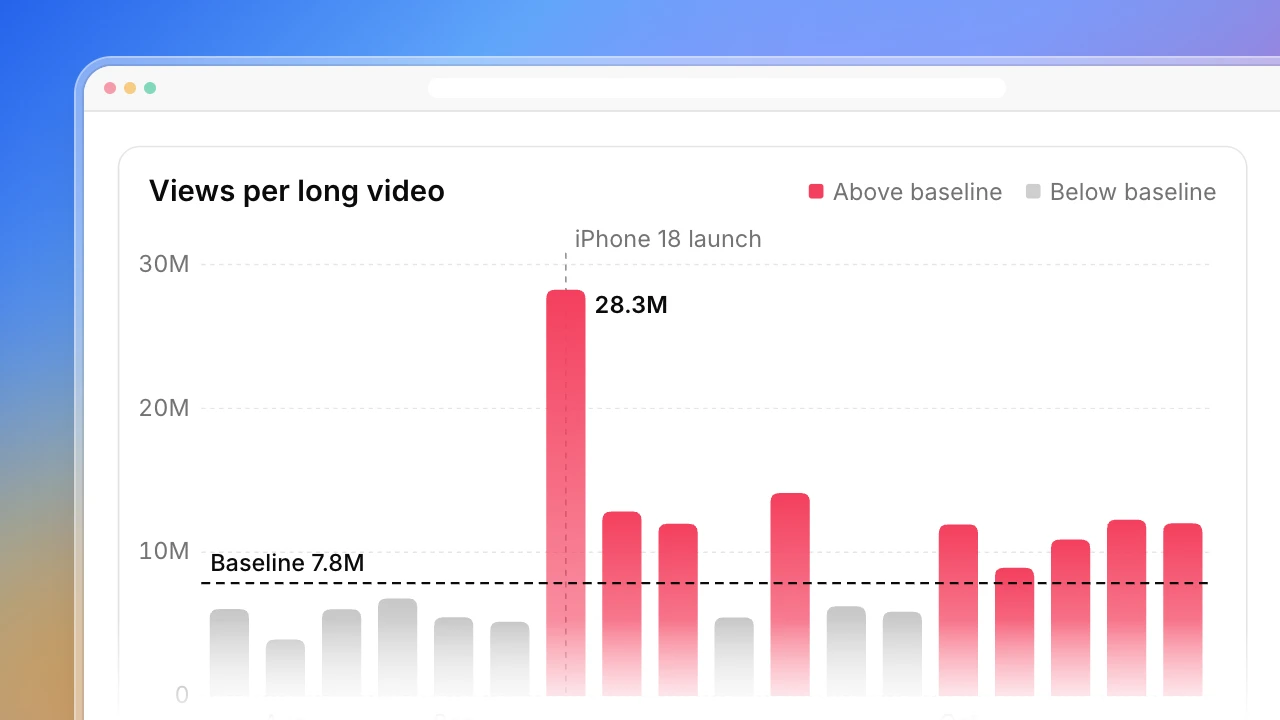
Finding YouTube influencers for a product takes five steps. The dashboard above follows them.
1. Turn the product into search terms
Write down the problem it solves, the category name, and competitor names with “review” or “vs”. Those are the words your buyers type into YouTube.
2. Search videos, not channels
A channel’s name says little. Its recent videos show what it covers now, so search for videos and limit them to the last 90 days.
3. Merge videos into channels
A creator who shows up for several of your terms is a stronger match than one who shows up once.
4. Check recent views, not subscribers
Take the median views of the last 10 videos. It shows what a sponsored video is likely to get, and one old hit can’t inflate it.
5. Keep the video that proves the fit
Save its link with each channel, so anyone on the team can check the pick in a minute.
Who the YouTuber finder is for
Founders and growth leads
You want to test YouTube sponsorships and have a product page but no list of creators.
- Creators already making videos for your buyers
- Recent views next to subscribers
- A reason for every channel
Partnership managers
You build a new creator list for every campaign and market.
- Lists by topic, language and region
- Videos from the same channel merged
- A CSV for your outreach sheet
Agencies
You pitch creator lists to clients and have to defend each name.
- The video behind each pick
- The search terms written down
- Channels with thin data marked to verify
How the YouTuber finder works
Step 1: Click Build with Actionbook and add your product
A link or a short description, the audience, language and region, and how many channels you want.
Step 2: Let it search YouTube
Actionbook searches in your browser and reads public video and channel pages. It only reads: it doesn’t subscribe, comment or message anyone.
Step 3: Filter the list and export it
Sort by match or views, keep the channels with an email, and export the CSV for your own outreach.
YouTuber finder FAQ
What is a YouTuber finder?
A tool that finds YouTube creators by what their videos cover. This one starts from your product and audience, searches YouTube for matching videos from the last 90 days, and returns the channels behind them with a reason for each.
Is this a YouTube channel finder by name?
No. It finds channels by topic. If you already know the name, YouTube’s own search is faster.
How do I find YouTube influencers in a small niche?
Give narrower terms, such as a competitor’s name or the exact problem you solve. Small niches return fewer channels, and the dashboard shows how many each term found.
Does it find contact emails?
It records an email only when the channel writes one in its description. Channels without one are marked Not listed. It doesn’t guess addresses.
Does it write or send outreach messages?
No. It builds the list and stops. Writing to creators is up to you.
Can it show audience demographics?
No. Viewer age, gender and location are only in YouTube Studio, for the channel owner. Fit is judged from what the channel publishes.
How is this different from the Similar YouTube Channel Finder?
This one starts from a product or topic when you have no creator yet. The similar channel finder starts from one channel that already works and expands from it.
How is it different from the Influencer Vetting Tool?
This builds the list. The vetting tool checks one creator in depth before you pay.