Viral Video Finder
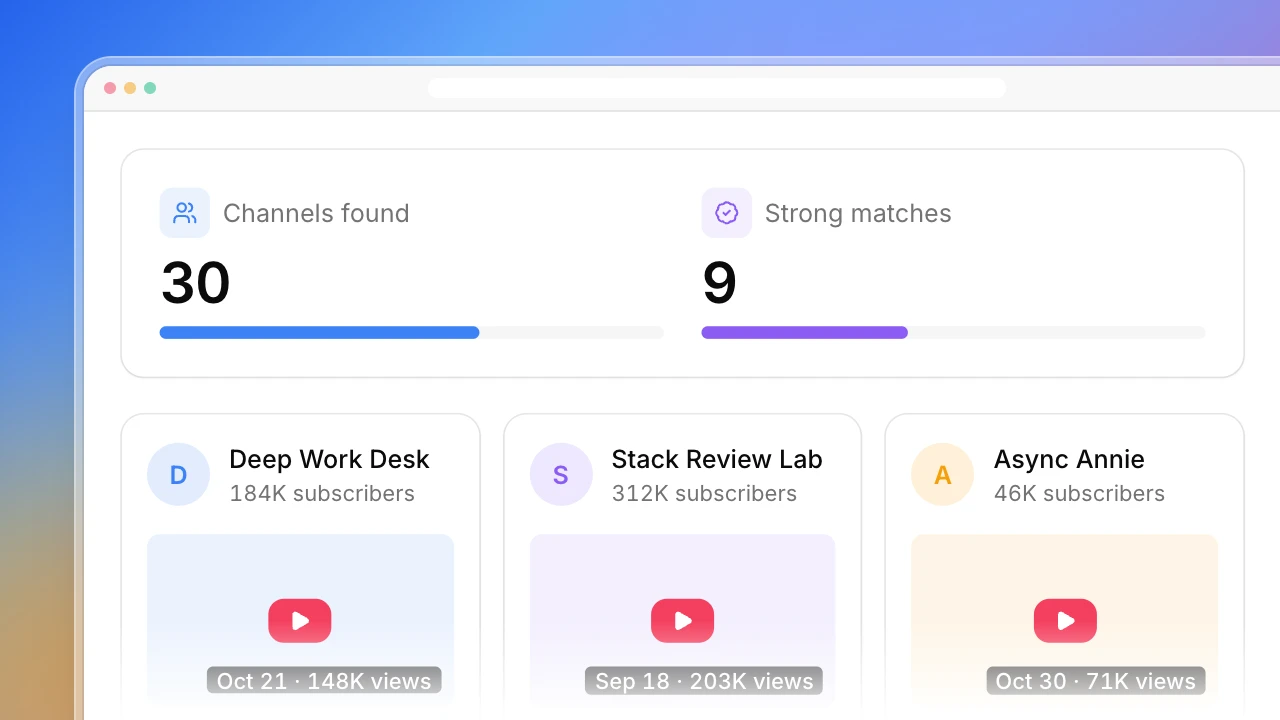
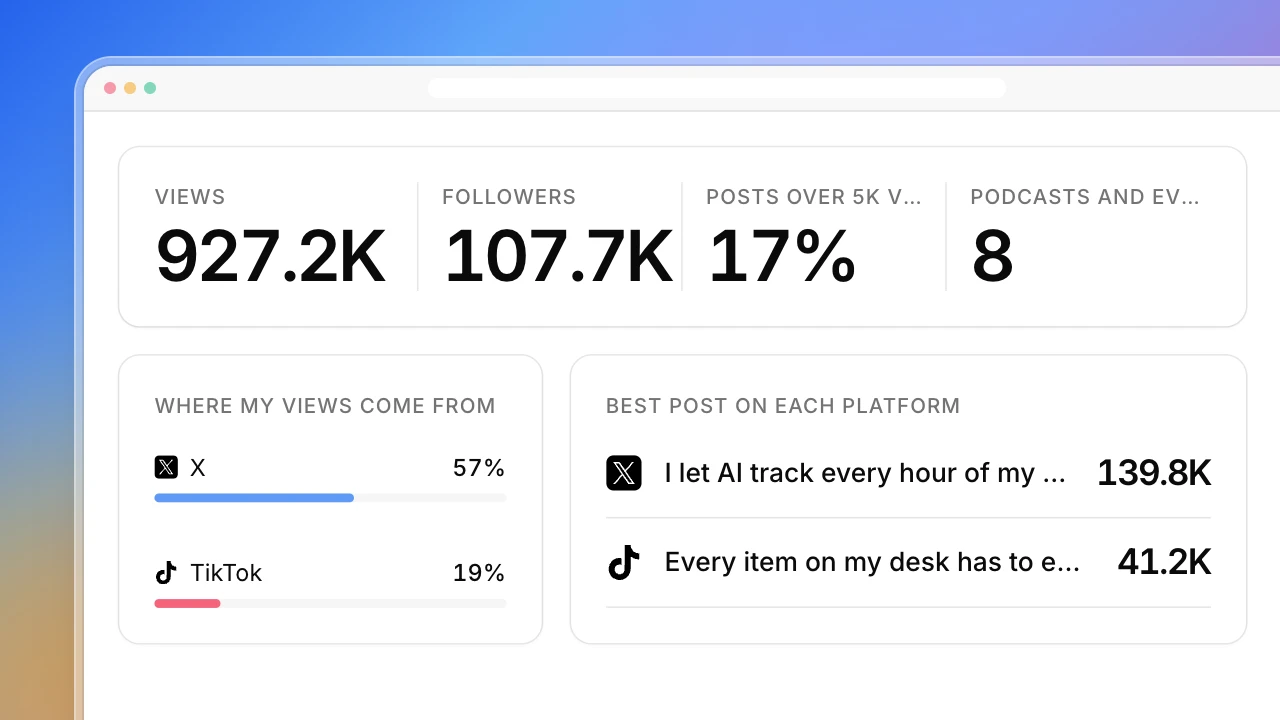
Type a topic. Actionbook searches YouTube, TikTok and Instagram for it, finds the accounts posting about it, and shows which videos beat the ones around them and which ideas are taking off on several accounts at once.


Built for
- Creators choosing their next video from what’s going viral in their topic
- Social media managers planning a month of short videos
- Agencies spotting rising ideas in a client’s category
Key insights
- Topics going viral on each platform and how many accounts they work for
- Search demand and rising sounds behind each topic
- The top outlier videos against the videos posted around them
- What to make next and where to post it
What is the viral video finder?
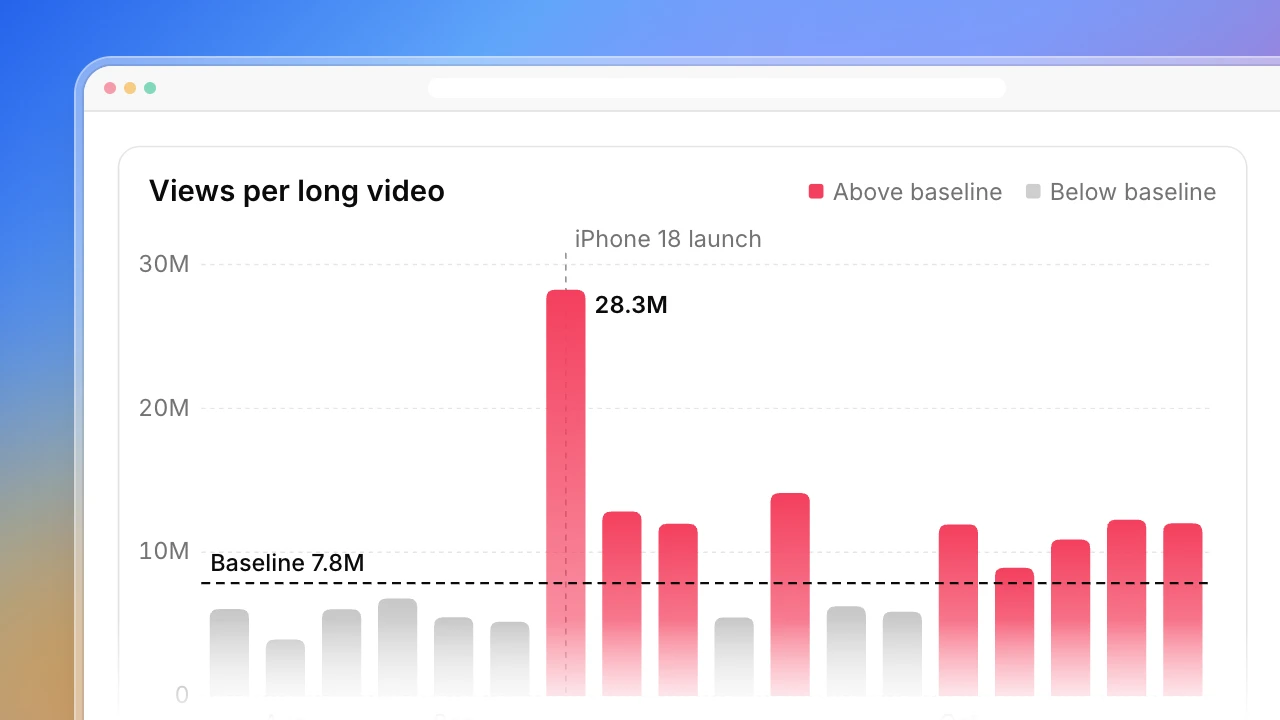
A viral video finder shows what’s taking off in a topic right now, so you can make the next video while the idea is still rising. Actionbook searches YouTube, TikTok and Instagram, keeps the accounts posting about it at a size close to yours, and compares each video with the ones the account posted around it. A video at 3× or more is an outlier, which surfaces hits from small accounts as well as big ones. One outlier can be luck, so a topic only counts as rising when outliers show up on three or more accounts. Search suggestions, Google Trends and sounds still under 5,000 uses show whether people are asking for it. On YouTube these videos are called outliers, so it works as a YouTube outlier finder too. The dashboard ends with what to make next and where to post it.
How to find viral videos in your niche
Finding viral videos in your niche takes five steps. The dashboard above follows them.
1. Start from a topic
Search the topic on each platform and keep the accounts that post about it, ideally close to your size. A big account’s top videos only show that it’s big.
2. Compare each video with the ones around it
Take the median views of the videos the account posted just before and after. Accounts grow, so their overall average hides old hits and flatters new ones. Three times or more is an outlier.
3. Look for the same idea on several accounts
One outlier can be a lucky thumbnail, a news spike or a push from the algorithm. The same idea working on three or more accounts is a trend.
4. Check that people are asking for it
Search suggestions on YouTube and TikTok, Google Trends and sounds still under a few thousand uses show demand before a topic gets crowded.
5. Pick the gap and the platform
A rising idea you haven’t made, on the platform where it’s working, is your next video.
Who the viral video finder is for
Creators posting on more than one platform
You make videos for YouTube, TikTok or Instagram and want to know what your topic is responding to this month.
- Outlier videos from three platforms in one place
- Ideas rising on several accounts, not one lucky hit
- Ideas you haven’t made yet
Social media managers planning content
You plan posts for a brand or a client and need evidence behind each idea.
- Outliers measured against the account’s own videos
- Search demand behind each topic
- A short list to plan the next month from
Brands and agencies watching a category
You track what’s catching on in a category before it shows up in your competitors’ posts.
- Rising ideas before they peak
- Sounds picking up before they’re everywhere
- The videos that started each idea
How the viral video finder works
Step 1: Click Build with Actionbook and type a topic
A topic or a few keywords, your region, and your own accounts if you want gaps marked. If you leave the topic out, it asks before it starts.
Step 2: Let it search the three platforms
YouTube, TikTok and Google Trends are read as public pages. Instagram uses your login, read-only. It doesn’t follow, like or post.
Step 3: Run it again every few weeks
Each run is saved at the same link, so you can see which ideas kept rising and which cooled off.
Viral video finder FAQ
What is a viral video finder?
A tool that finds the videos taking off in a topic, so you can see which ideas viewers are choosing right now. This one compares each video with the account’s own nearby videos, which surfaces hits from small accounts as well as big ones.
Do I need to list accounts?
No. Give it a topic and it finds the accounts posting about it on each platform, favoring ones close to your size. You can add accounts you already watch if you want them included.
What counts as an outlier here?
A video with at least 3× the median views of the videos its account posted around it. Comparing with nearby videos, not the account’s overall average, keeps old hits and fast-growing accounts fair.
Why does a topic need several accounts?
One outlier can come from a lucky thumbnail, a news spike or a push from the algorithm. When the same idea works on three or more accounts, it’s demand, not luck.
Can I use it as a YouTube outlier finder?
Yes. On YouTube these videos are what creators call outliers. Ask for YouTube only and the dashboard becomes a YouTube outlier finder for your topic.
Why not use each platform’s trending page?
YouTube retired its Trending page in 2025, TikTok’s trend lists are broad and hard to filter by topic, and Instagram keeps its trends inside the app. Searching your topic and checking outliers across accounts gives a sharper read for one niche.
How is it different from tools like Viralfindr or 1of10?
Those search their own databases. Actionbook searches the platforms in your own browser for the topic you type, and you can change the outlier bar, the account size or how topics are grouped in the chat.
Does it need my logins?
YouTube and Google Trends don’t. TikTok only if it asks. Instagram does, because Reels search and hashtag pages need a login. Every platform is read-only: it doesn’t follow, like, comment or post.