Renewal Escalation Check
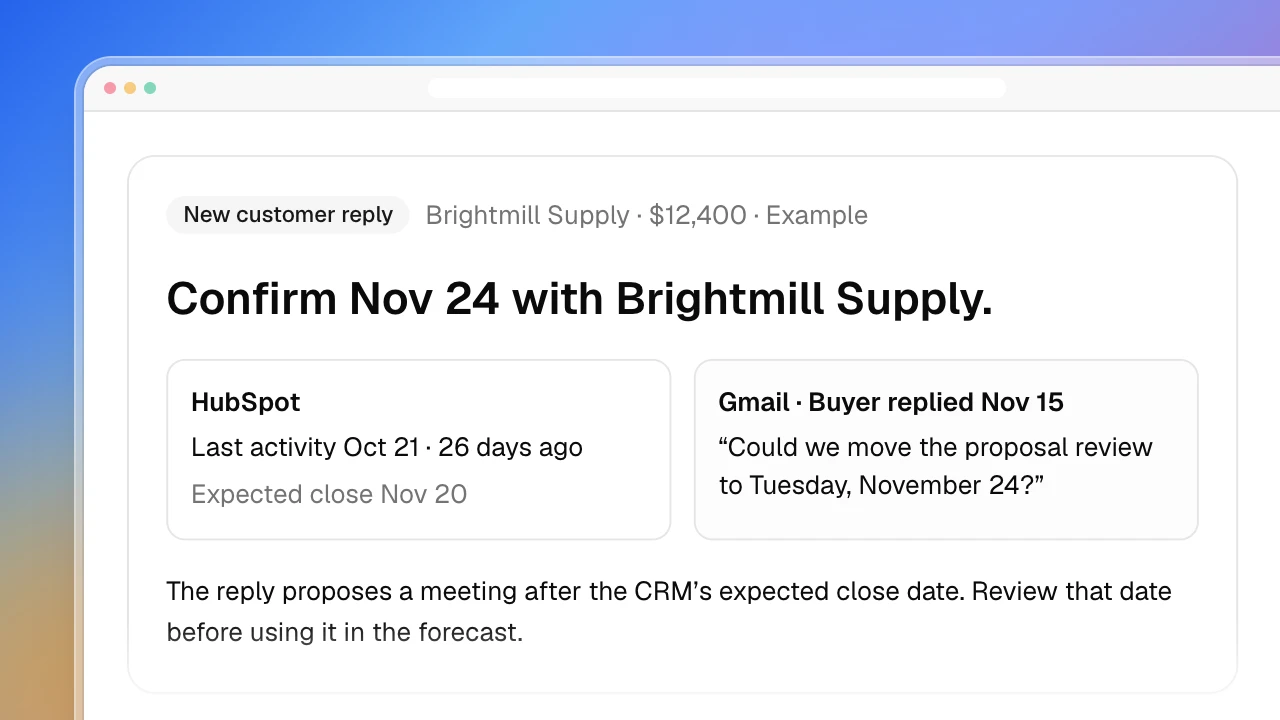
Harbor Lane renews Dec 10. Intercom shows an open priority billing conversation with a customer reply three calendar days ago. The account owner can resolve it before the renewal call.


Built for
- Account owners preparing upcoming renewals
Key insights
- Choose your renewal window
- Verify the account across tools
- Prioritize open escalations
What is the renewal escalation check?
Compare HubSpot renewal dates with unanswered priority conversations in Intercom to decide which upcoming renewals need attention first.
How to use the renewal escalation check
Check whether a customer is already waiting for support.
1. Choose your renewal window
Use the named renewal-date property and include the review date plus the next 89 calendar dates. Confirm recurring value and currency.
2. Verify the account across tools
Use the shared account ID or a verified associated contact. Read the state, priority and last actual message of each matching conversation.
3. Prioritize open escalations
Flag an open priority conversation whose latest reply is from the customer and exceeds your waiting threshold. Lead with the nearest flagged renewal.
Who the renewal escalation check is for
Account owners preparing upcoming renewals
Check whether a customer is already waiting for support.
- Flag an open priority conversation whose latest reply is from the customer and exceeds your waiting threshold. Lead with the nearest flagged renewal.
Renewal escalation check FAQ
Does this estimate renewal loss?
The example totals recurring value for flagged accounts. The customer’s reason and renewal outcome still require follow-up.
What if the renewal date or contact match is unclear?
Keep the account in a separate unresolved list and state the evidence needed to place it in the queue.