Local SEO Report
A local SEO report is due every month: open Google Business Profile for each location, copy calls, clicks and direction requests into a sheet, then scroll the reviews. Actionbook reads each profile’s Performance and Reviews pages and writes the report. It covers Google Business Profile only, not map rankings or citations.

Built for
- Agencies and freelancers sending a local client a monthly report
- Marketers comparing the locations of one business
- Owners tracking their rating and what reviews say
Key insights
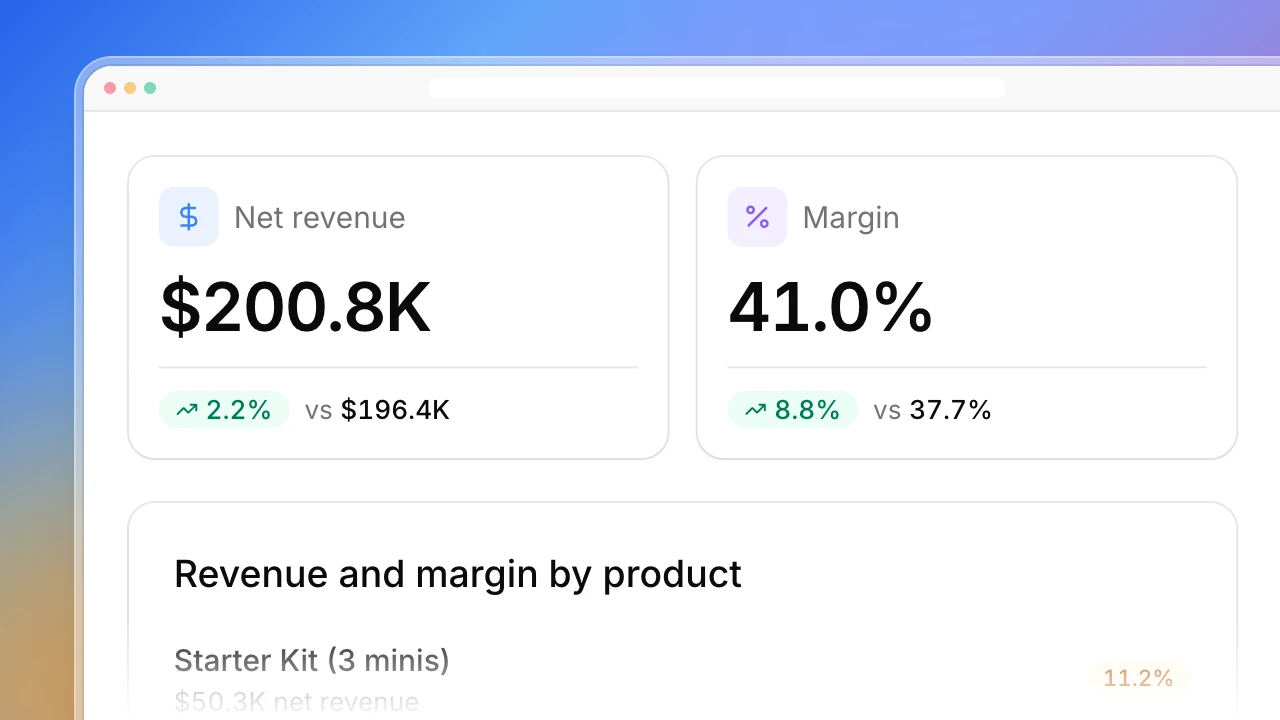
- Rating, new reviews, calls, website clicks and direction requests against last month
- Every location on one row, with the weakest flagged
- Views on Search and Maps, and the search terms that showed your listing
- What reviews praise and complain about, with counts
- Low-star reviews that still need a reply, and what to fix this month
What is the local SEO report?
A local SEO report shows how a local business did on Google in a period: its rating and reviews, how people found the listing and what they did next. Actionbook reads Google Business Profile for each location with your login and compares the last full month with the month before. It turns Google Business Profile insights into one page per business, with a row per location. As a Google Business Profile report it covers ratings, reviews, search terms, calls, website clicks and direction requests.
How to create a local SEO report
A monthly local SEO report from Google Business Profile takes five steps. The dashboard above follows them.
1. Fix the month and the comparison
Use the last full month against the month before, for every location.
2. Read each location’s Performance page
Profile views on Search and Maps, calls, website clicks, direction requests and bookings.
3. Read the search terms as monthly numbers
Google reports the terms that showed a listing per calendar month, so label them that way.
4. Read the month’s reviews
Count them by stars, note what people praise and complain about, and list the low ratings nobody answered.
5. End with what to fix
Three actions, each tied to one location and one number, so the client sees why it’s on the list.
Who the local SEO report is for
Freelancers and small agencies with local clients
Dentists, restaurants and home services all want the same monthly page, and each takes an hour.
- One report per client from the same prompt
- Review themes read for you
- Three fixes tied to the numbers
Marketers at multi-location businesses
You have a profile per location and no view of all of them at once.
- One row per location
- The weakest location flagged
- Low-star reviews with no reply, oldest first
Owners of a local business
You want to know whether the rating is going up or down, and what customers keep saying.
- Rating and new reviews against last month
- What reviews praise and complain about
- What to fix this month
How the local SEO report works
Step 1: Click Build with Actionbook and name the business
All locations and the last full month by default. Ask for one location or another period instead.
Step 2: Stay signed in to Google Business Profile
Actionbook reads the Performance and Reviews pages with your login, read-only, and the public Google Maps listing. It never replies to a review, edits a listing or asks anyone for a review.
Step 3: Run it again next month
Each run reads the new month and compares it with the one before, in the same nine sections.
Local SEO report FAQ
What is a local SEO report?
A regular report on how a local business shows up and performs on Google: its rating and reviews, how many people saw the listing, what they searched, and how many called, clicked through or asked for directions. Agencies send one to each local client, usually monthly.
Does it cover map rankings and citations?
No. This report covers Google Business Profile only: the listing’s performance and its reviews. It doesn’t track where you rank on the map in each area, and it doesn’t audit citations on other directories.
Where do the Google Business Profile insights come from?
From the Performance page of each profile, read with your login: profile views on Search and Maps, the search terms that showed the listing, calls, website clicks, direction requests and bookings.
Can I use it as a Google Business Profile report for several locations?
Yes. It reads every location in the account by default and gives each one a row, with the rating, new reviews, calls, website clicks and direction requests side by side.
Why are search terms shown per month?
Google reports them per calendar month and leaves out terms with few searches. The report labels them as monthly and doesn’t add them up to total views.
How are review themes decided?
Actionbook reads each review left in the month and sorts what it says into themes such as wait time, staff, price and results. The section is labeled “Our read”. It shows example lines without reviewer names.
How is this different from the Search Console and social listening playbooks?
Google Search Console Performance covers your website in search results. Competitor Social Listening reads mentions on Reddit and X. This one covers your Google Business Profile listing and its Google reviews.
Does it reply to reviews or change my listing?
No. It only reads. It lists the reviews that need a reply, and you answer them yourself.